
Executive summary
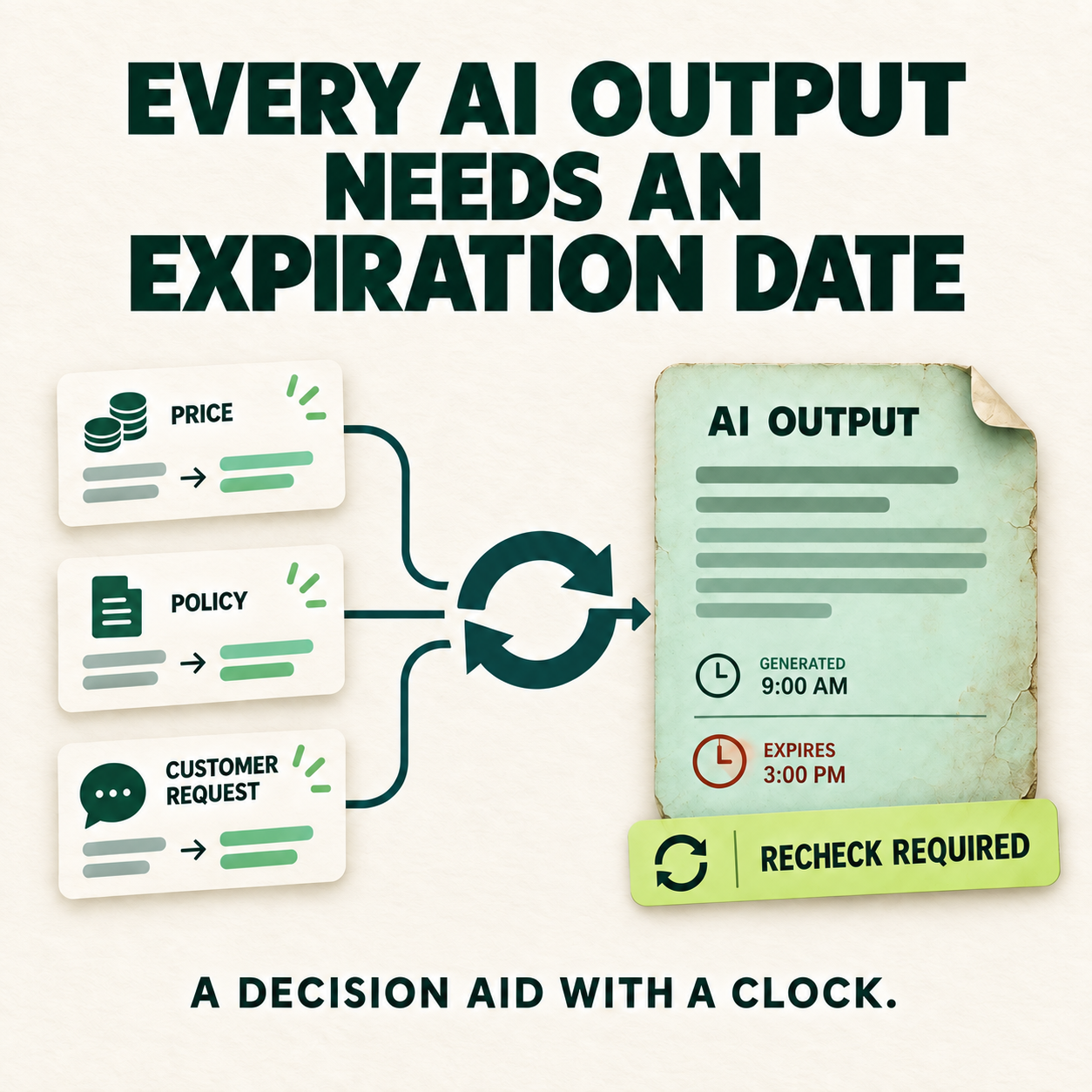
Decision briefTreat time-sensitive AI output as a decision aid with a clock, not a permanent business record. Store the source and generation time, define the event or deadline that makes the output stale, and assign a person to revalidate it before reuse.
- Source
- Preserve which approved records supported the output.
- Clock
- Record when the output was generated and how long it remains useful.
- Refresh
- Recheck when prices, policies, inventory, or customer instructions change.
A realistic example
An assistant summarizes a customer request on Monday and writes the summary into the CRM. On Wednesday the customer changes the requested delivery date, but the original summary still looks authoritative. On Friday an employee reuses it to prepare a response. The first output may have been accurate; the workflow failed because nothing marked it stale or required a refresh.
A controlled workflow
Move routine work forward. Route exceptions to people.
If the source changed, the time window expired, or evidence is unavailable, stop reuse and route the output to its accountable owner.
Before and after
Before
- Generated summaries look permanent even when their source records change.
- Employees cannot see when an answer was created or which evidence supported it.
- Old recommendations are copied into new decisions without revalidation.
After a controlled improvement
- Each output keeps its source reference and generation time.
- A deadline or source-change event marks the output for review.
- A named owner revalidates time-sensitive guidance before consequential use.
A practical approach
Classify what can become stale
Identify outputs affected by changing prices, availability, policy, customer instructions, deadlines, or account status. Static formatting help may not need the same controls.
Attach source and time
Store the approved source references, source version where available, and generation timestamp beside the output instead of hiding them in a separate log.
Define the refresh trigger
Choose a time limit, a source-change event, or both. The trigger should mark the output for review rather than silently regenerating a consequential answer.
Assign the reviewer
Name the role responsible for deciding whether the output remains valid, needs regeneration, or should be discarded.
Test stale cases
Use fictional records where price, policy, inventory, and customer instructions change after generation. Verify that the old output cannot quietly continue.
Tools and process components
- Source identifiers and version fields
- Generation and last-validated timestamps
- Change detection or scheduled review rules
- A visible recheck-required state
- An audit record showing who validated the output
Safeguards to keep
- Do not invent a universal expiration window; validity depends on the business fact and its rate of change.
- Do not overwrite the original source or old output when refreshing; preserve enough history to reconstruct the decision.
- Do not let automatic regeneration bypass a required human approval step.
- Treat missing timestamps, missing source versions, and unavailable source systems as exceptions—not as permission to proceed.
Continue the topic
Related practical guides
The practical takeaway
AI output is not a record forever. It is a decision aid with a clock. Start by making the source, age, refresh condition, and accountable reviewer visible.